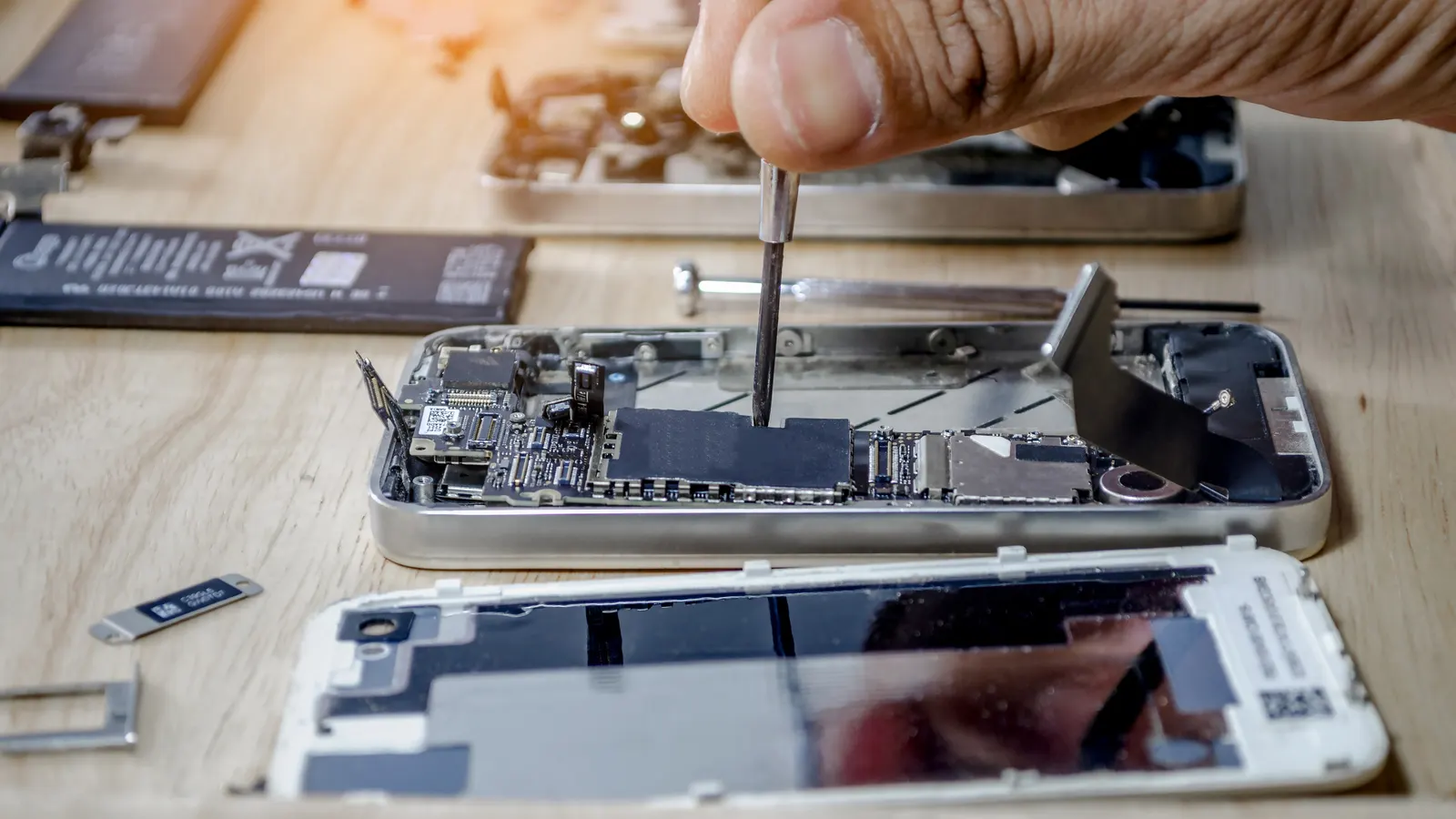

The Truth About Data Safety During Tech Repairs

Your photos, messages and files matter, but no repair can be described as risk-free for stored data. Some service processes may require a reset, and a fault can make a device inaccessible before work begins. A backup is the most useful precaution. Apple’s service-preparation guidance recommends backing up first and notes that a serviced device may be erased. Google likewise tells Pixel owners to back up before repair.
Make a backup you can restore
Check the date and status of your latest backup rather than assuming that cloud sync covers everything. Confirm that important photos, contacts and files are present in the account or computer you plan to use for recovery. Some apps keep their own backup or transfer settings; check messaging, authenticator and work apps separately. If you cannot unlock the device or the display is failing, tell the repairer before arranging the repair rather than attempting risky steps.
Ask about access before handover
Describe the fault and ask whether the proposed diagnosis needs the phone unlocked, a reset or access to a particular app. Agree what access is necessary and how it will be handled. Do not share an Apple Account or Google Account password. Apple says not to give anyone your Apple Account password or device passcode; if software support requires device access, it advises remaining present. Ask the repairer to explain any request for a passcode before you decide.
Some models include a repair or maintenance mode that creates a restricted environment for checks. It is not available on every device. Google’s Pixel repair preparation guide describes Repair Mode on eligible phones, and its Repair Mode instructions say to enter the screen-lock credential on the device rather than share it with the technician. Follow the exact instructions for your model; do not assume another brand has the same feature.
Before sending or leaving the device
- Back up and check the latest backup; note anything important that is not included.
- Remove a physical SIM and memory card if appropriate for your device and repair route.
- Ask whether a reset is expected, what information the technician needs, and when the device will be returned.
- Keep your account recovery details private and agree any required access explicitly.
After collection, check basic functions and restore only from the backup you intended to use. For questions about data preparation before a Repair Lounge enquiry, contact the team and describe your device and fault. The team can explain its process; this article does not guarantee that data will be preserved or accessed in a particular way.
 15 Sept 2025How to Extend the Life of Your Phone Battery
 15 Sept 20255 Signs Your Phone Screen Needs Replacing (Before It Gets Worse)